
1. From a push notification
Long-press an easyNag notification and tap Quick Downtime.
2. From a host or service
Open the host or service in the app, tap Downtime and set the time window.
3. In bulk
Select several hosts or services and schedule one downtime for all of them.
The downtimes list
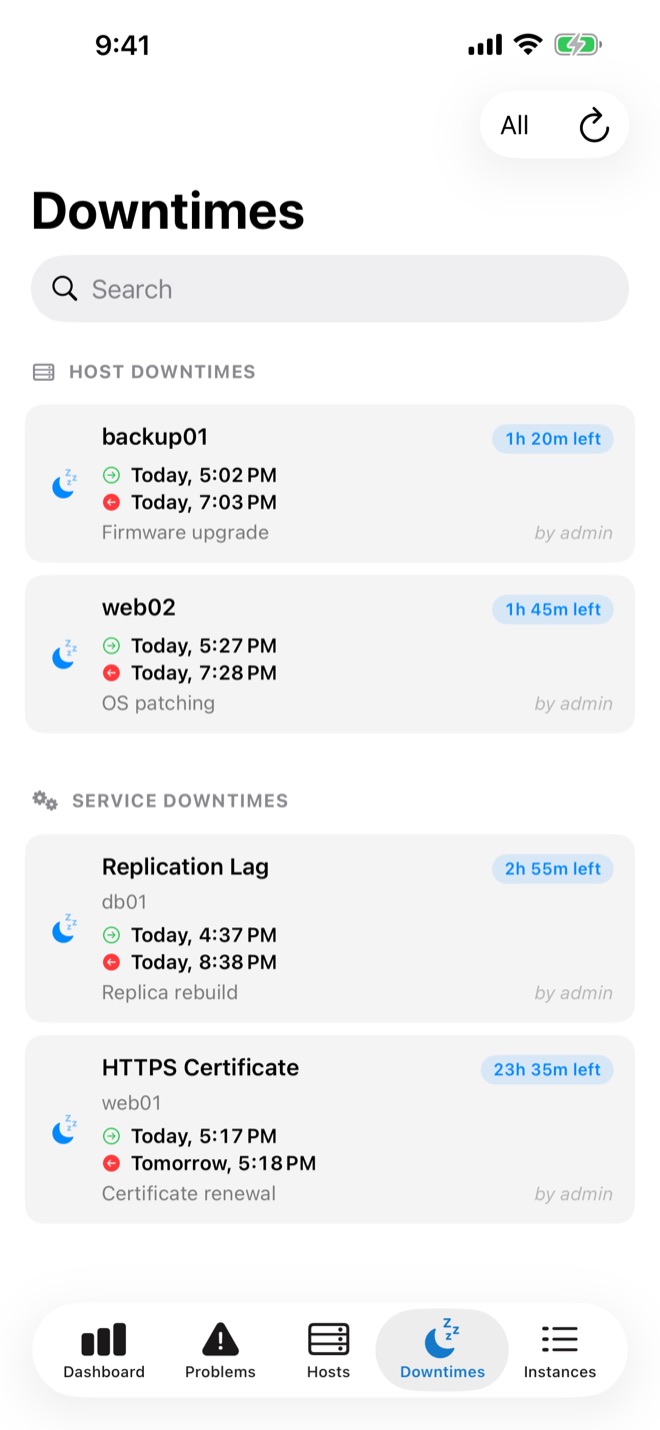
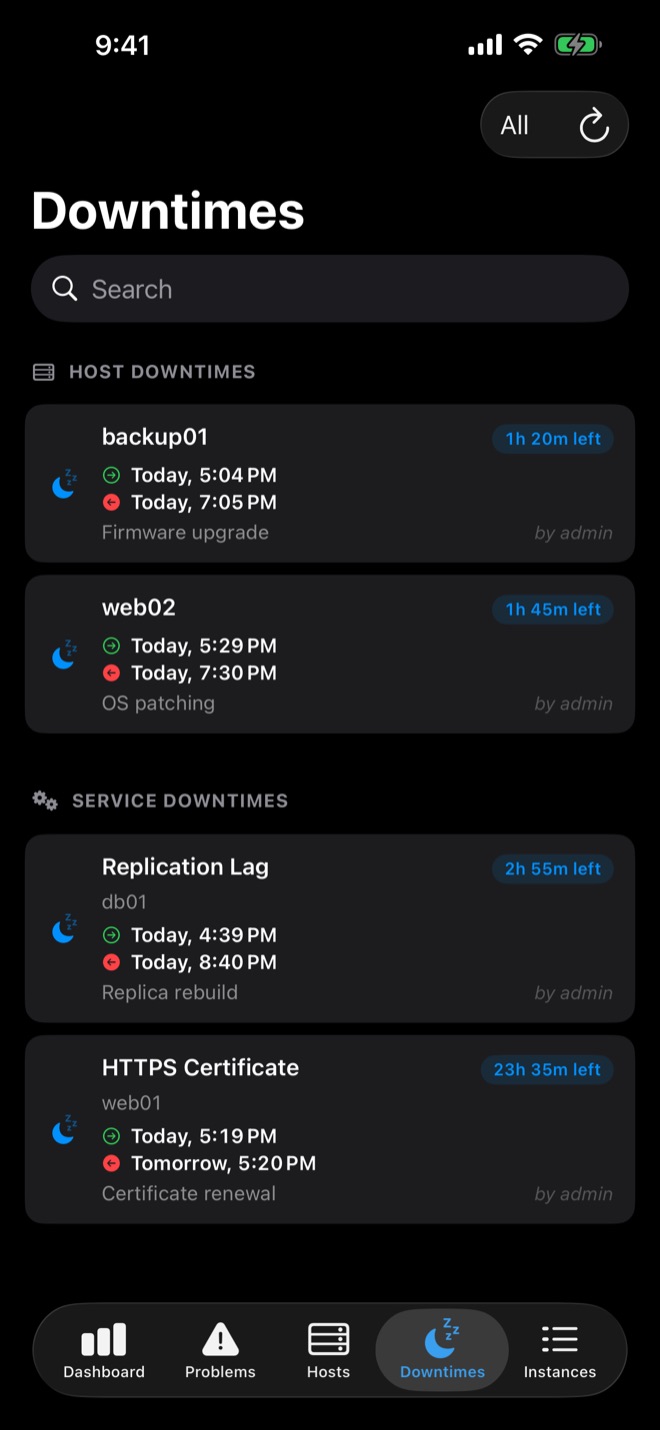
The Downtimes tab lists all scheduled and active downtimes with author, comment, start and end. If maintenance finishes early, remove the downtime in the app.
Downtime or acknowledgement?
Use a downtime for planned work. For a problem you are fixing, acknowledge it instead: acknowledging alerts from your phone.
Get easyNag on the App StoreiPhone, iPad & Mac
Download on theApp Store
Related guides
Workflow
Acknowledge alerts from your phone
From the notification, the list or in bulk.
Read the guide → checkmkcheckmk push notifications on iPhone
Get checkmk alerts on iOS and act on them from the notification.
Read the guide → Nagios XINagios XI on iPhone
Use Nagios XI from iOS via its API.
Read the guide →