
Step 1 — Connect via the Nagios XI API
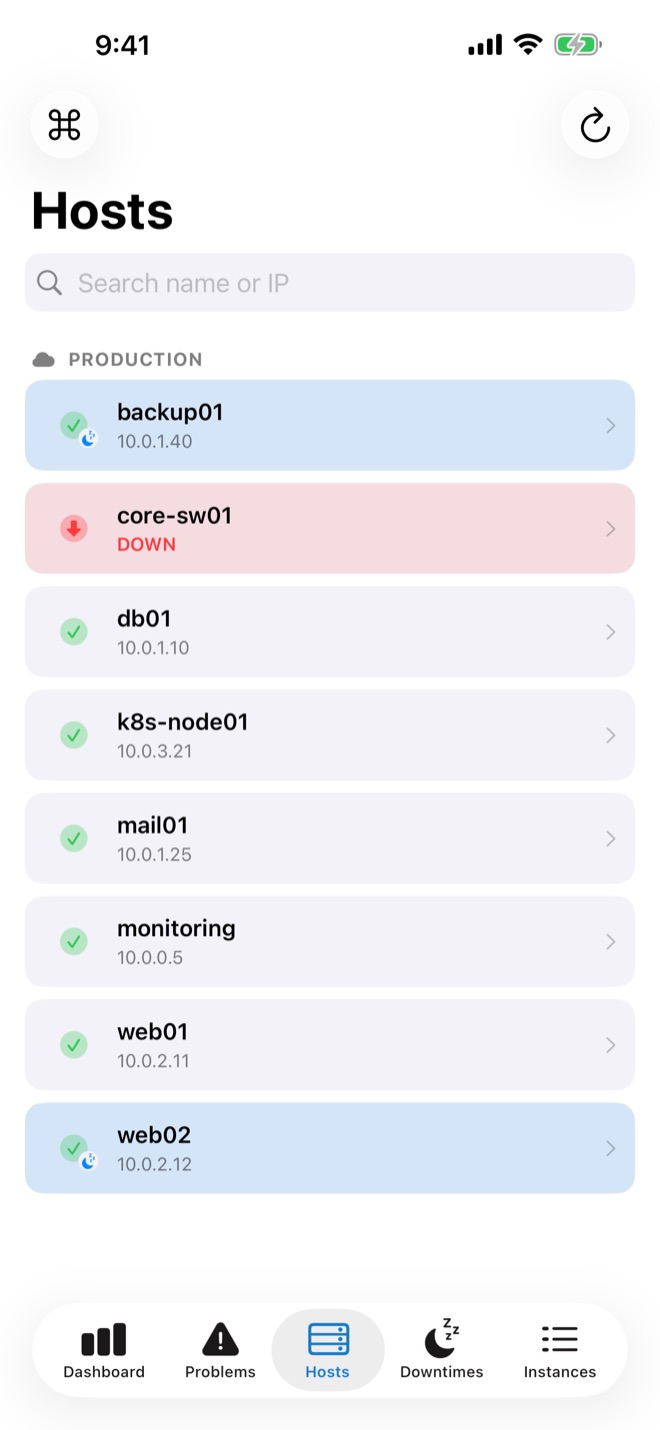
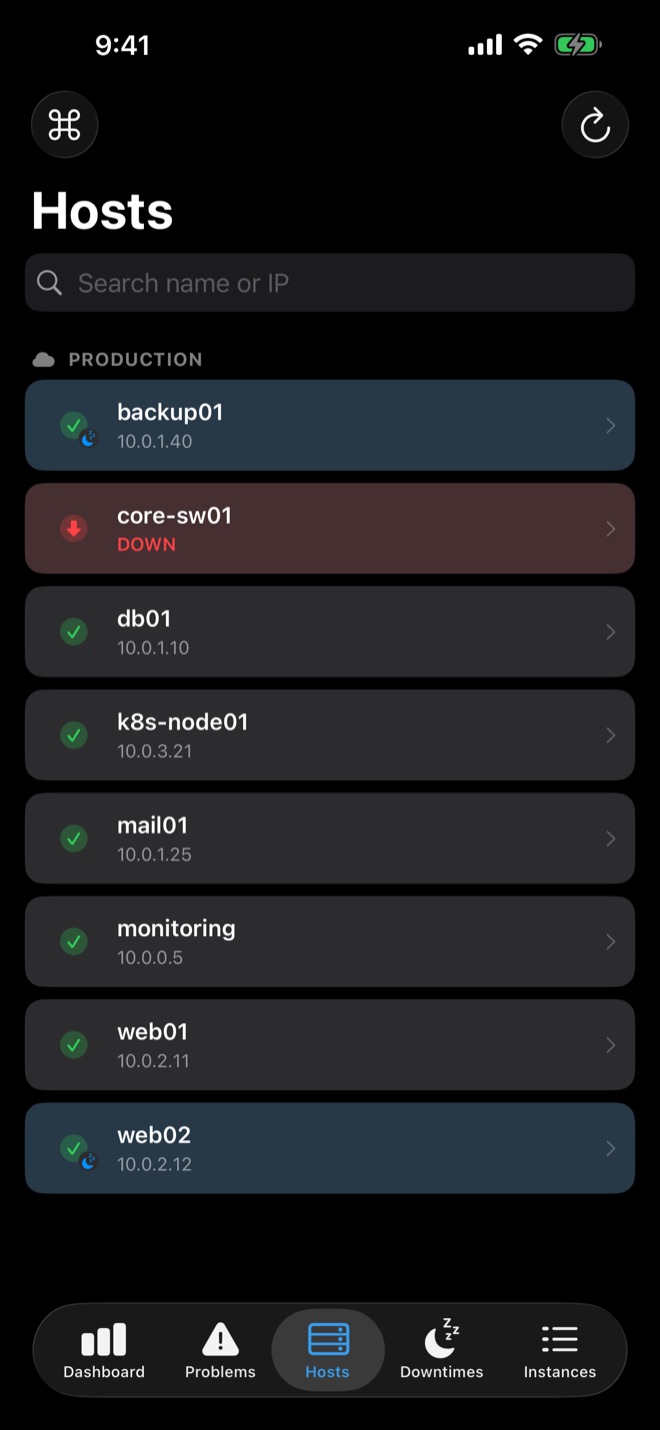
In easyNag, add an instance, choose Nagios XI and enter your XI URL and API access. easyNag uses the XI REST API; nothing needs to be installed on the server.
What you can do
- Dashboard with down hosts, criticals, warnings and downtimes
- Problems, all or unhandled only, with swipe actions
- Acknowledge with comment, recheck, notifications on or off
- Schedule and remove downtimes
- Bulk actions and regex filters
Step 2 — Push notifications
Copy easynag_nagios_xi.sh from the push setup page to /usr/local/nagios/libexec/easynag_notify.sh and set the instance name at the top. In the Core Config Manager, add the two notification commands and set _EASYNAG_USER_KEY on each contact. The exact commands are on the push setup page.
Long-press a notification to acknowledge or schedule downtime.
Several servers? Add each XI server, or a mix of XI, Core and checkmk, as its own instance.
Get easyNag on the App StoreiPhone, iPad & Mac
Download on theApp Store
Related guides
Nagios
Nagios push notifications on iPhone
Nagios Core alerts as push notifications on your iPhone.
Read the guide → WorkflowSchedule downtime from your phone
Schedule and remove host and service downtimes.
Read the guide → WorkflowAcknowledge alerts from your phone
Acknowledge from the notification or the app.
Read the guide →