
Step 1 — Connect
In the easyNag app, add an instance with your Thruk URL, username and password. Client certificates are supported. Nothing needs to be changed on the server.
OMD: OMD sites include Thruk. Use your site's Thruk URL.
Step 2 — Work the problems
- Swipe a problem to acknowledge, recheck or schedule a downtime
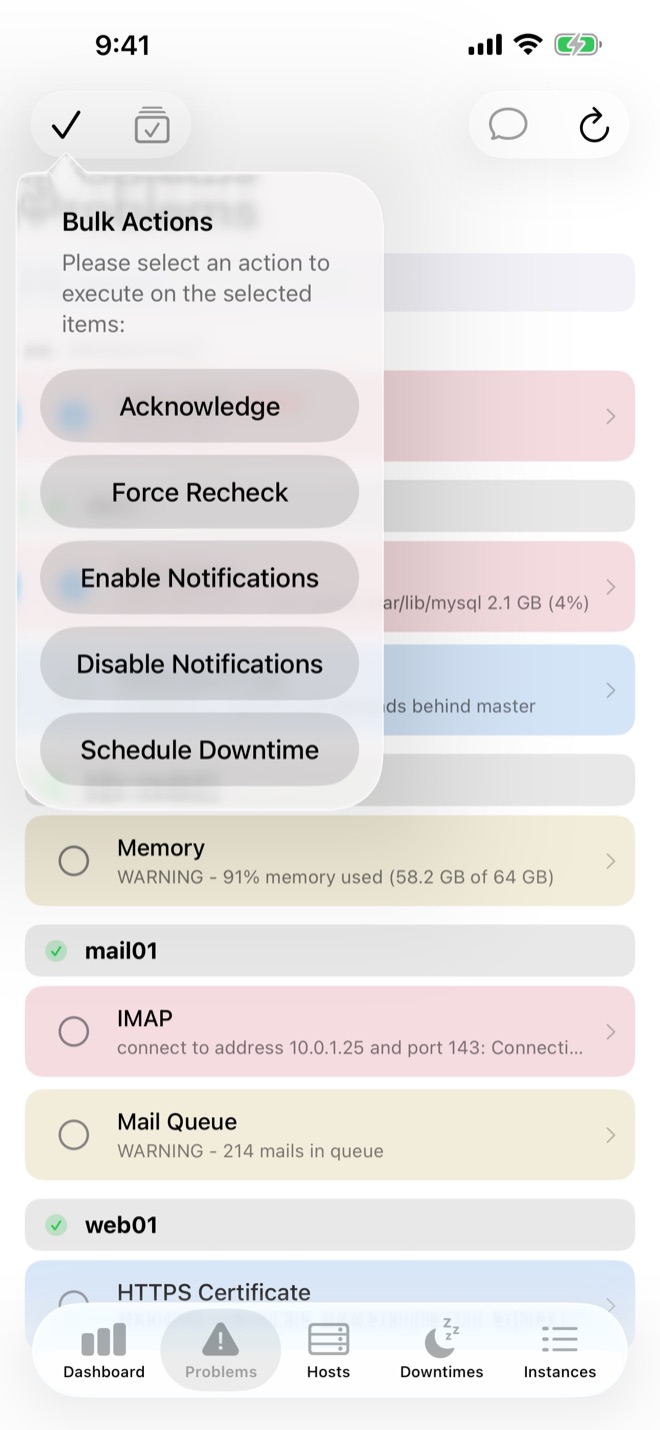
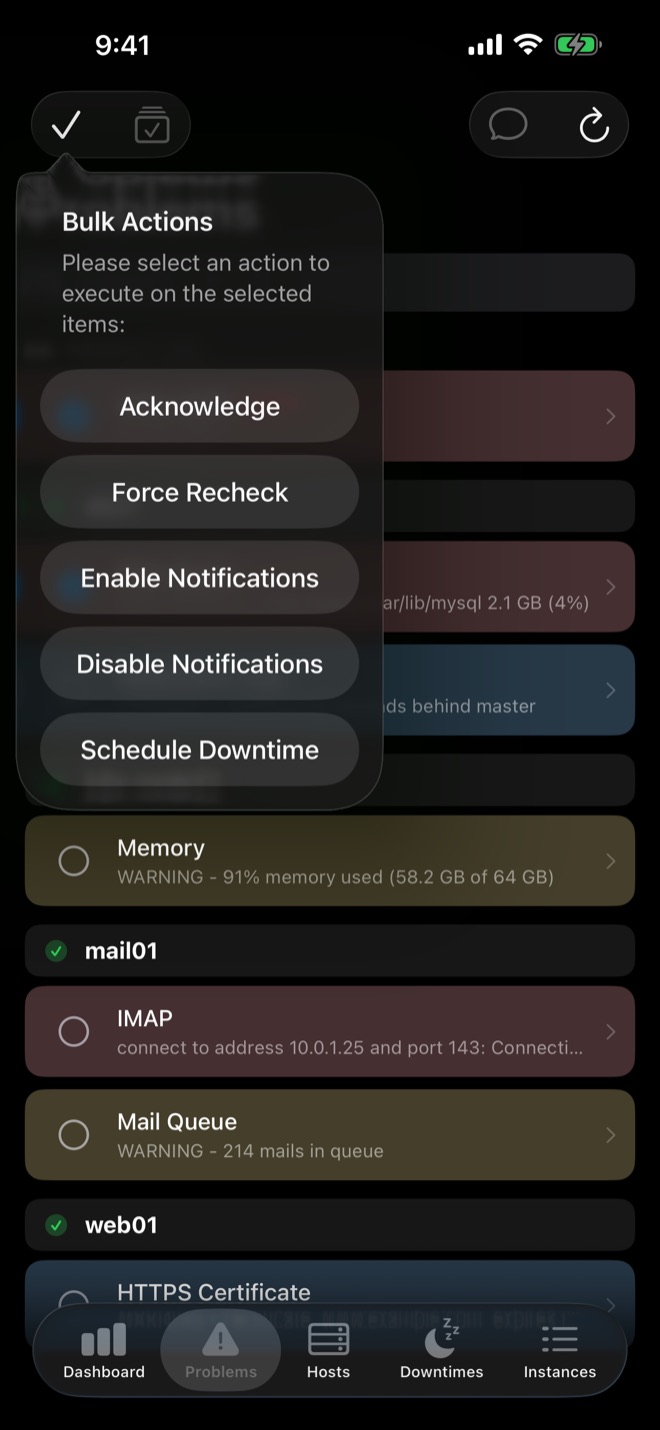
- Bulk actions for many hosts or services at once
- Acknowledgements with expiry on Thruk with an Icinga core
- Regex keyword filters to hide hosts or services you don't need
Step 3 — Push notifications
Push notifications are sent by the monitoring core behind Thruk. Install the script for that core (Nagios or Icinga 2) from the push setup page. An acknowledgement from the notification shows up in Thruk right away.
Get easyNag on the App StoreiPhone, iPad & Mac
Download on theApp Store
Related guides
Icinga 2
Icinga 2 push notifications on iPhone
Push alerts for Icinga 2 with one NotificationCommand.
Read the guide → OP5OP5 Monitor on iPhone
Use OP5 Monitor from iPhone, iPad and Mac.
Read the guide → WorkflowAcknowledge alerts from your phone
From the notification, the list or in bulk.
Read the guide →